How OmniFire Works
From raw product data to optimized marketplace listings in 5 simple steps. Follow the Sources → Manage → Enrich → Targets → Publish workflow.
1. Sources
2. Manage
3. Enrich
4. Targets
5. Publish
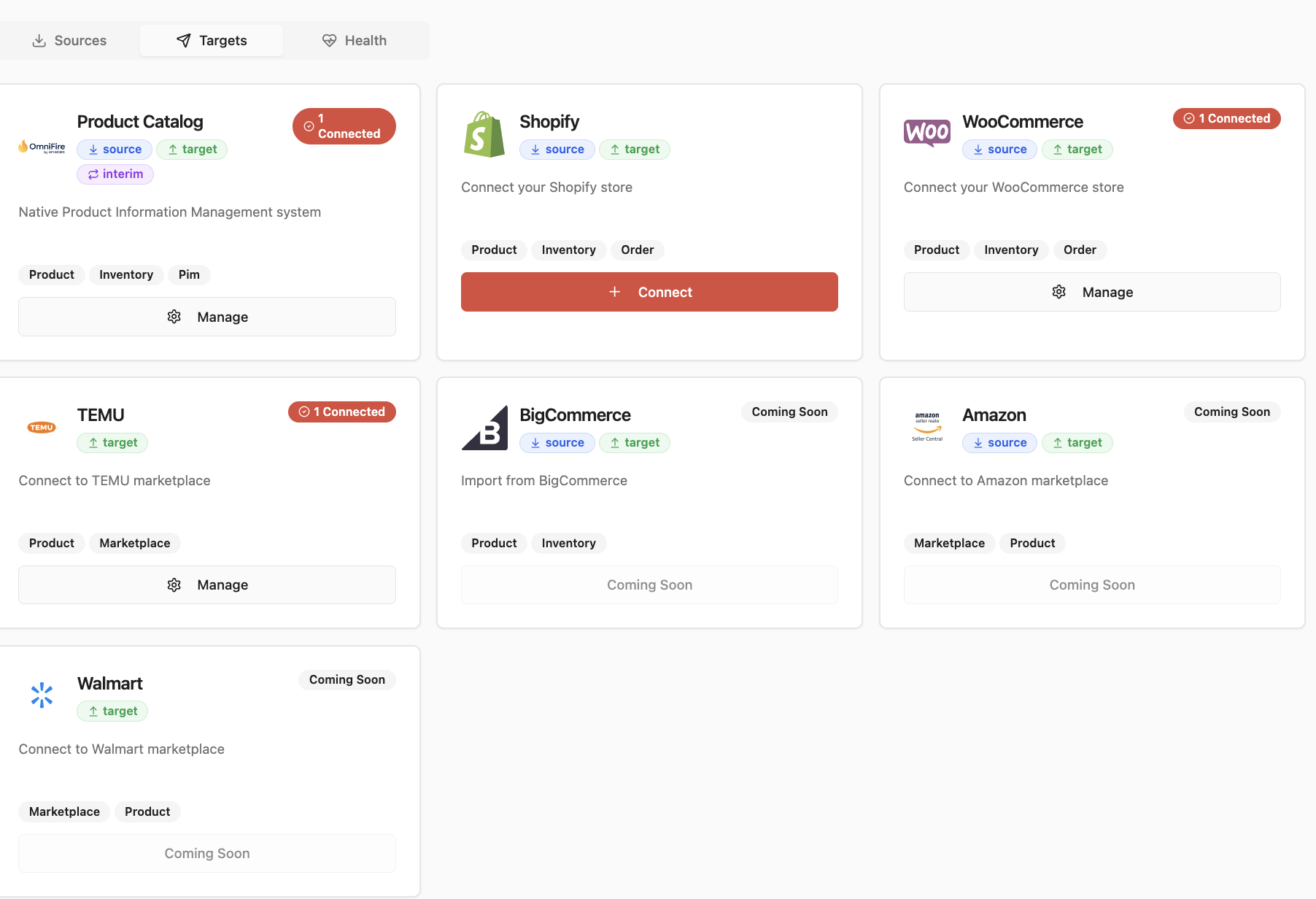
1. Sources - Import Your Data
Connect to your existing systems and import products into OmniFire. We integrate with e-commerce platforms, ERPs, and accounting systems.
- Shopify, WooCommerce, BigCommerce connectors
- QuickBooks, Sage Intacct, Xero integration
- CSV file upload for any source
- Automatic field mapping and deduplication
2. Manage - Organize Your Catalog
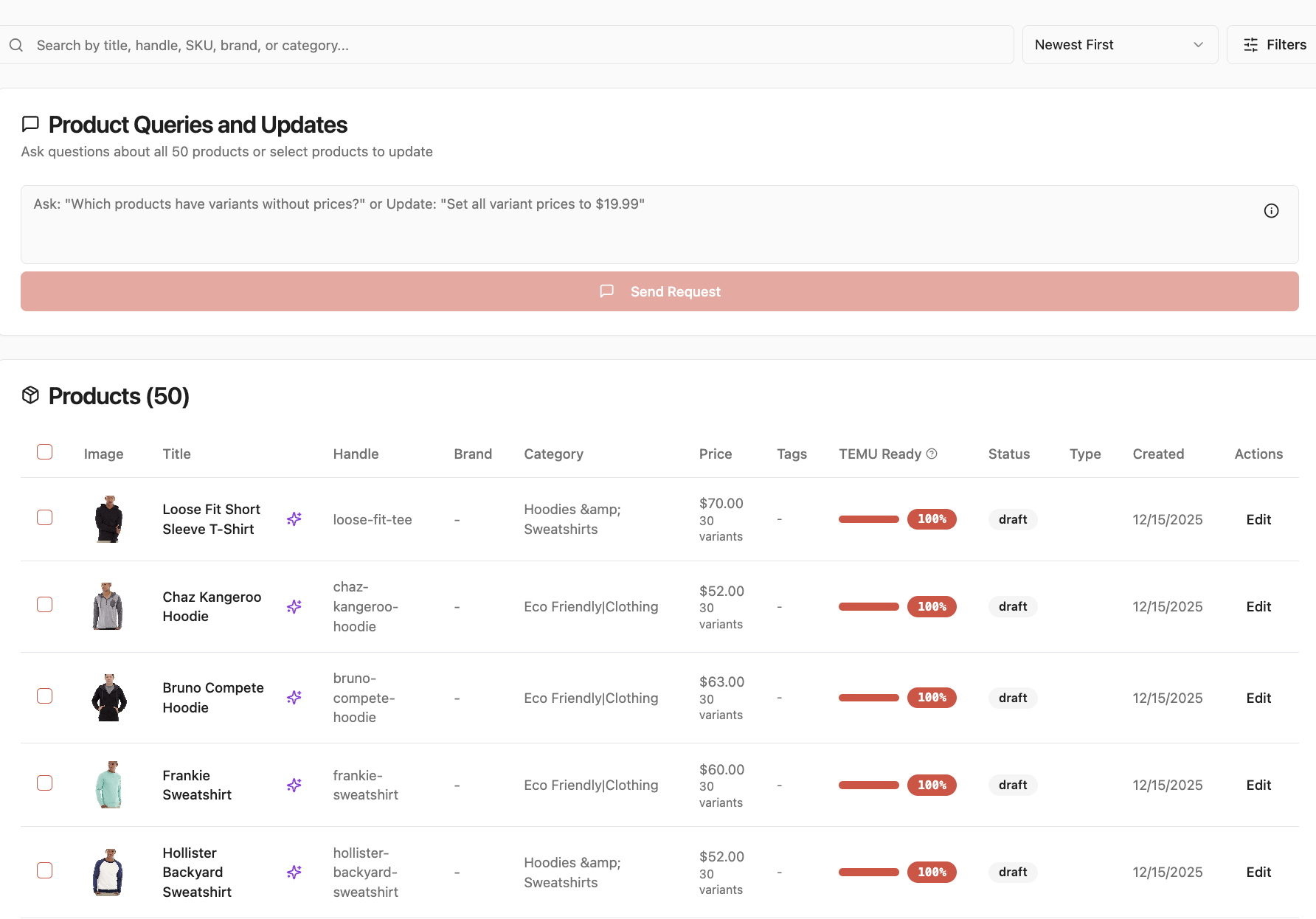
Manage your entire product catalog in one place. Edit products, assign categories, add tags, and track completeness scores.
- Bulk editing for multiple products
- Hierarchical category management
- Flexible tagging system
- Completeness scoring and tracking
3. Enrich - Optimize with AI
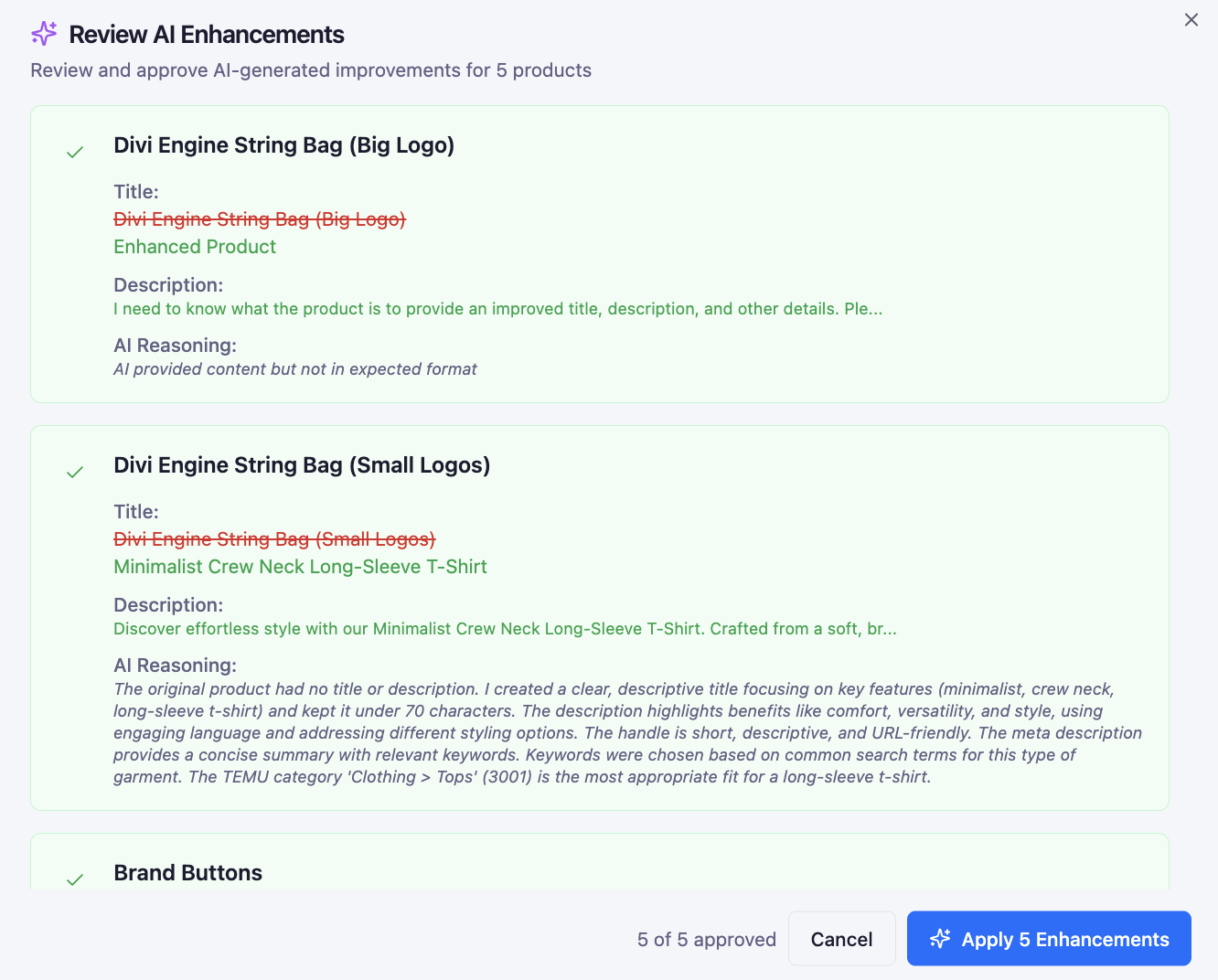
Transform basic product data into marketplace-ready listings. AI generates SEO-optimized titles, compelling descriptions, and smart categorization.
- SEO-optimized title generation
- Compelling product descriptions
- Automatic attribute extraction
- Batch enhancement for efficiency
4. Targets - Configure Destinations
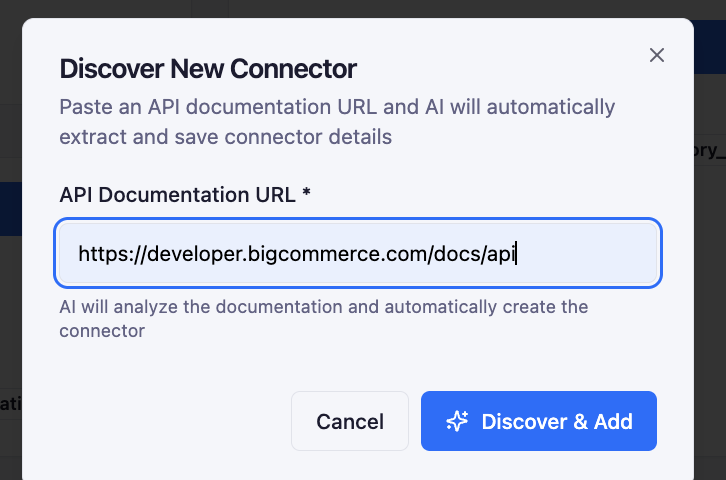
Connect to marketplaces where you want to sell. Set up category mappings, compliance requirements, and channel-specific settings.
- TEMU marketplace integration
- Category mapping editor
- Compliance documentation
- Amazon, TikTok Shop (coming soon)
5. Publish - Deploy to Channels
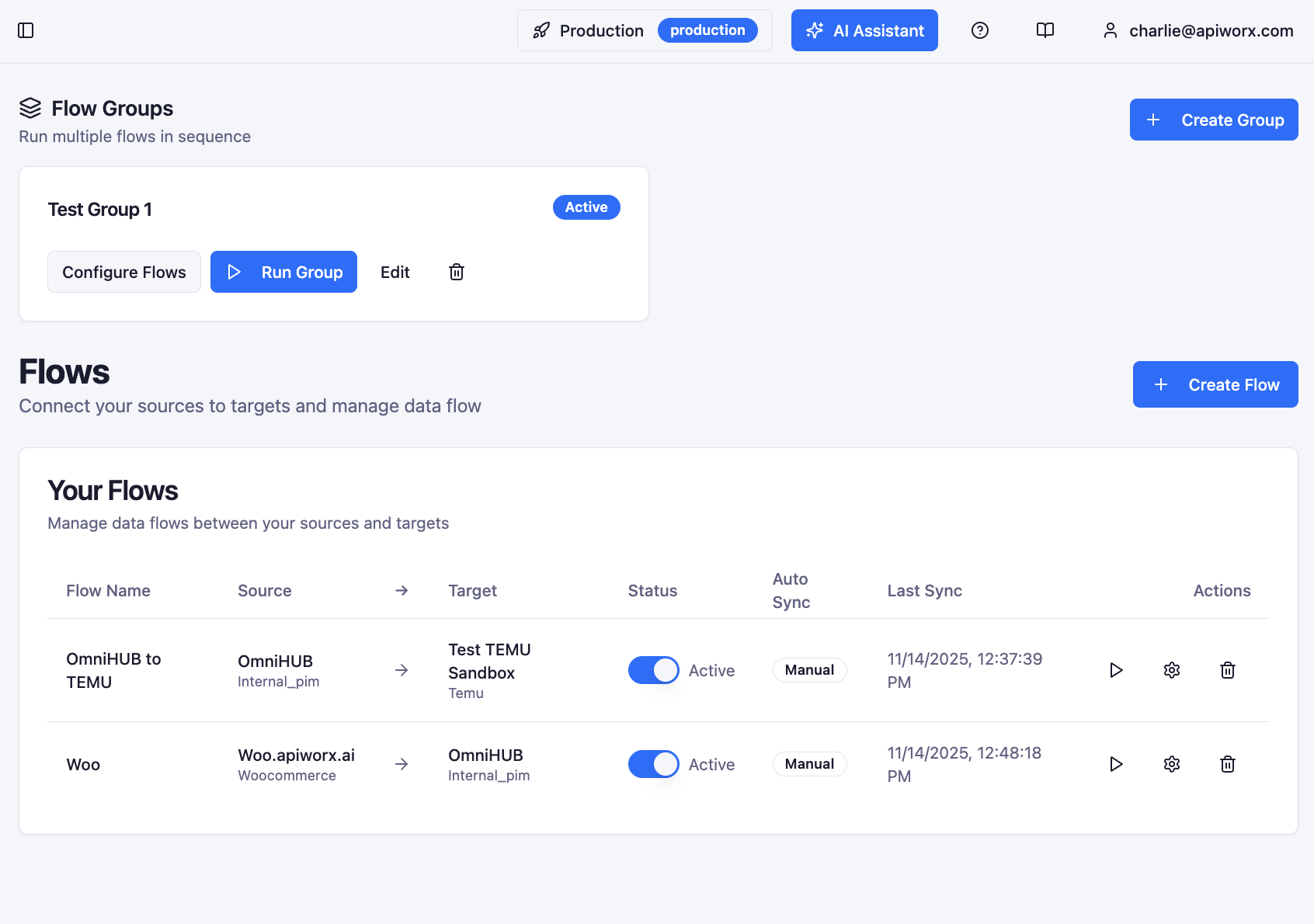
Create automated flows to push products to your target marketplaces. Monitor sync status and track published products in real-time.
- Automated sync flows
- Manual or scheduled publishing
- Real-time sync monitoring
- Error handling and retry logic
Product Lifecycle Stages
Products progress through 6 stages from import to publish
Imported
Just imported from source
Draft
Under active editing
Ready to Enrich
Complete, ready for AI
Enriched
AI optimization applied
To Push
Ready for publishing
Published
Live on marketplace
Why This Workflow?
10x Faster
What took hours of manual work now takes minutes with AI automation
Better Quality
AI-enhanced listings outperform manual content with SEO optimization
Full Control
Review every change, track every product through the lifecycle